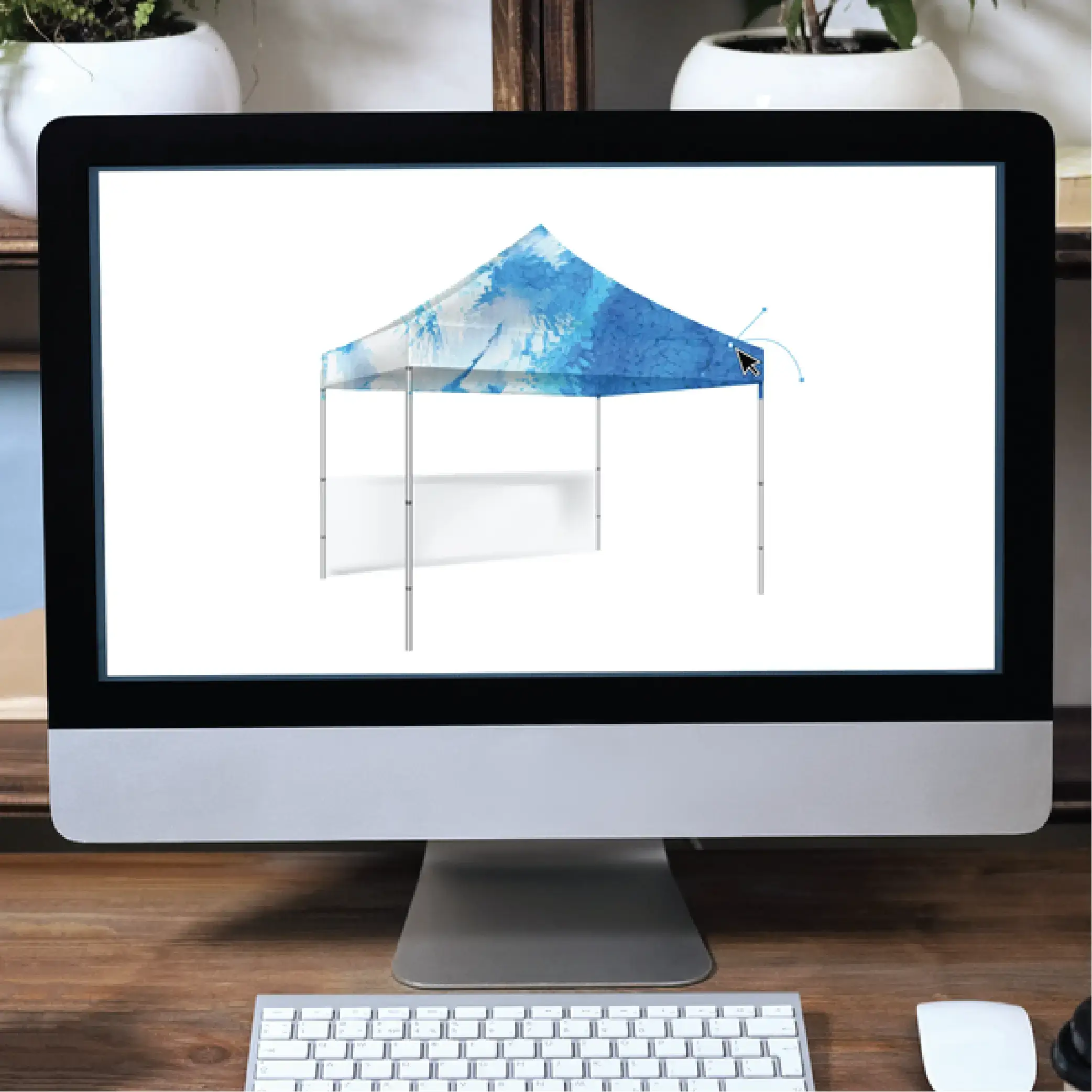
How to Get High-Quality Artwork Files:
When it comes to creating high-impact displays, high-quality artwork files are a must. Whether you're designing your own graphics or working with a designer, here's a quick guide to ensure your files are ready for print.
1. Start With Your Original Vector or Design Files
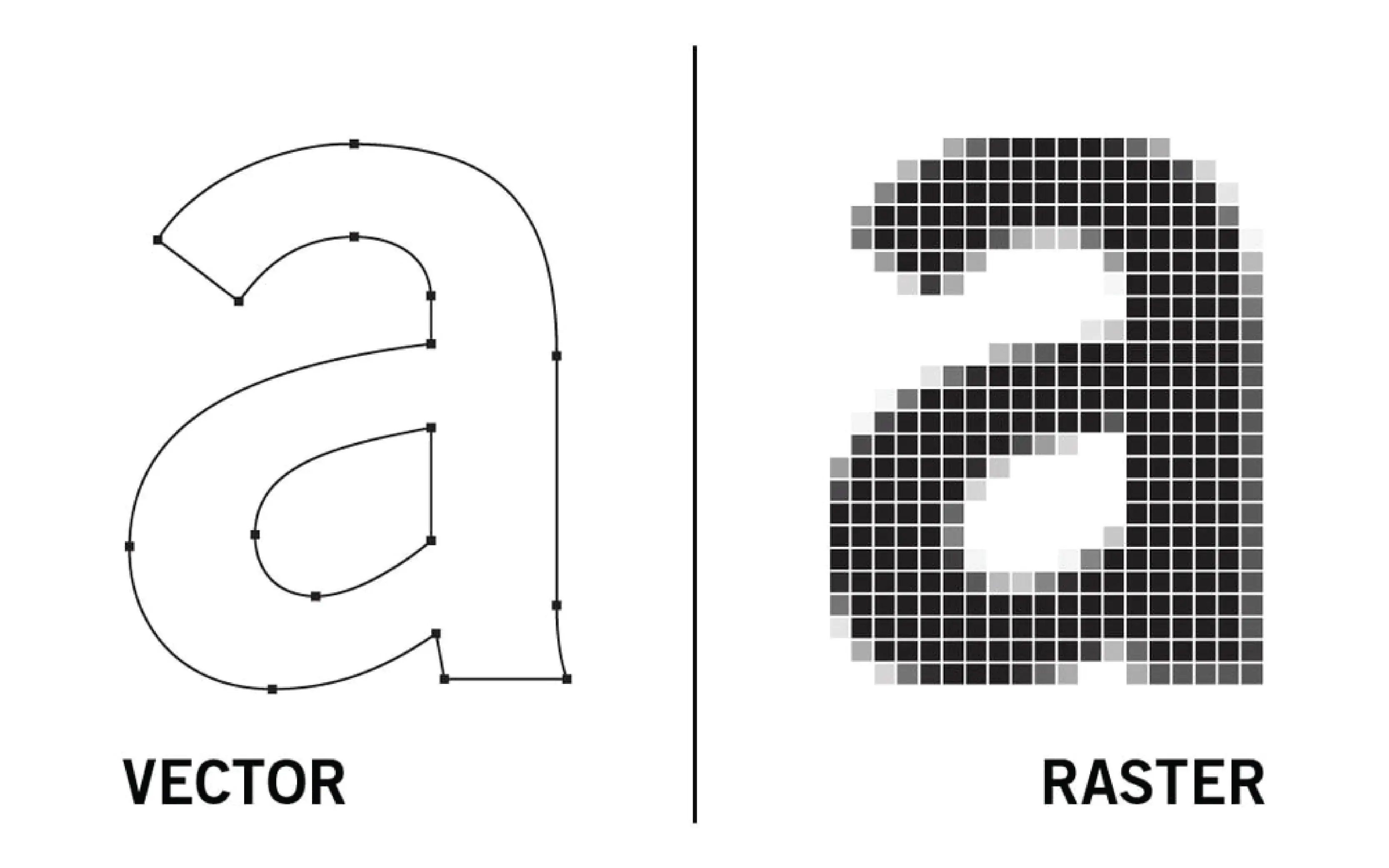
Vector files (like AI, EPS, or PDF) are essential for logos and graphics that need to be scaled to different sizes. These files stay crisp at any size, unlike pixel-based images that can get blurry. Not sure the differences or need more help? Check out our Graphic Design Basics here to find out why we prefer these files.
Pro tip: Ask your designer for vector files and any brand fonts they used.
2. Use High-Resolution Images (At Least 150 DPI in Printed Size)
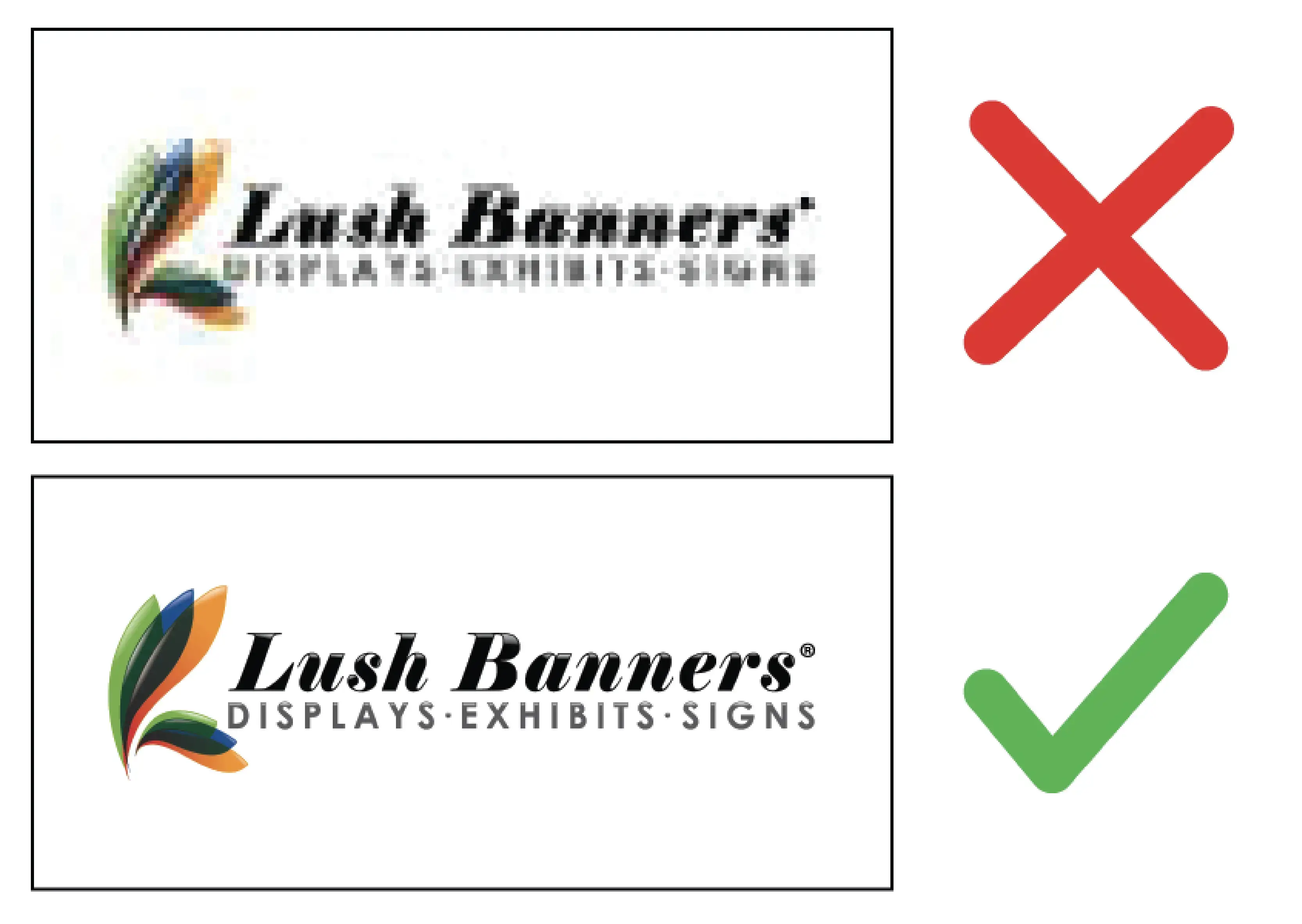
For clear, sharp prints, your images should be at least 150 dpi at the size you'd like to print. Avoid using low-res images from the web, which can look pixelated when enlarged. Only use source images from trusted stock photo sites or take your own high-quality photos.
3. Check Your Color Profiles & Call Out Critical Color Match
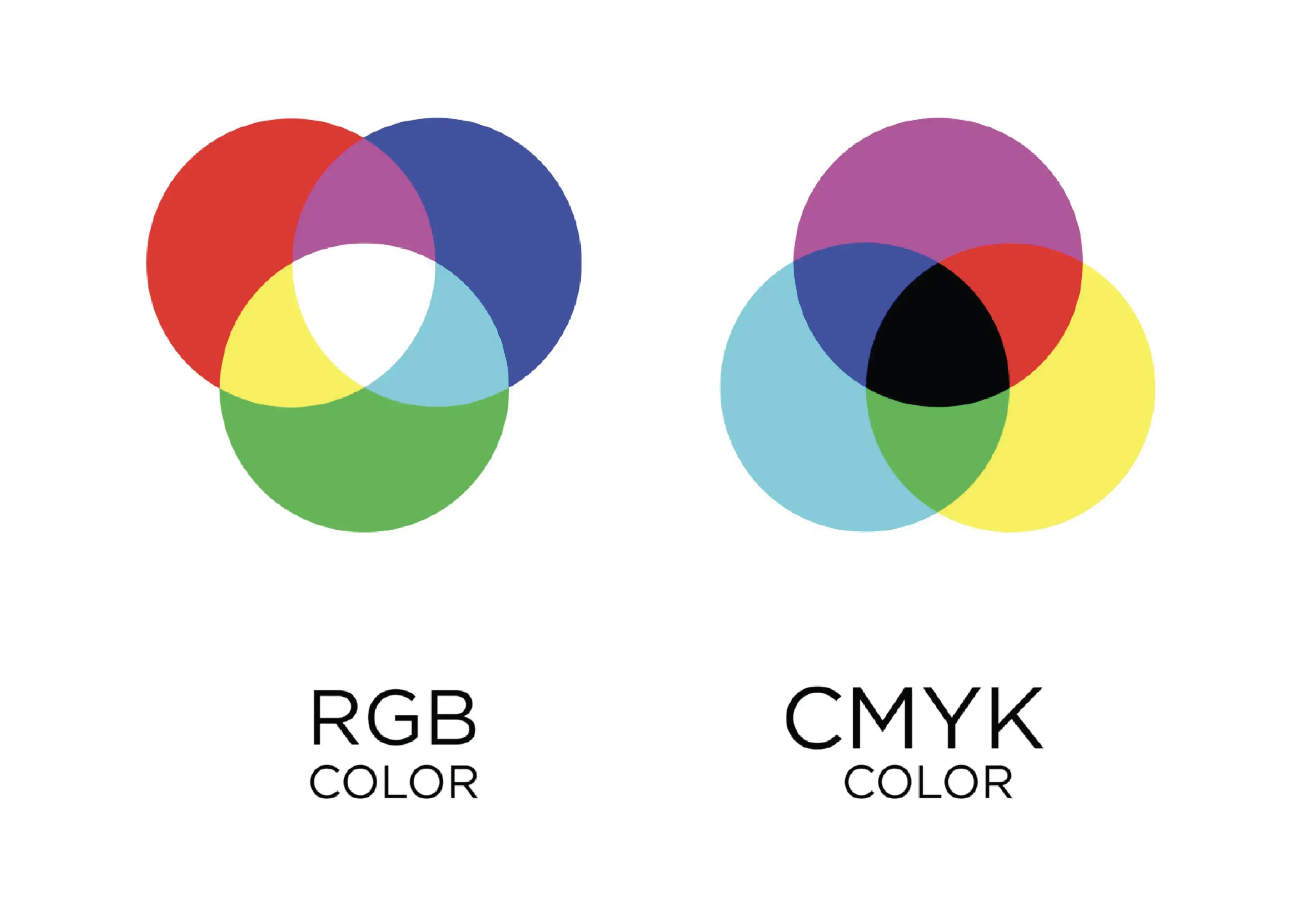
For print projects, always use the CMYK color mode (not RGB, which is for screens). This ensures your colors look the same in real life as they do on your screen. Ask your designer to confirm the file is CMYK-ready before printing. Whenever colors are critical for your design, please provide us with a vector format artwork file and call out the PMS Coated number for color matching. Please make sure your PMS C number is accurate. Learn more about critical color matching here.
4. Don't Forget to Outline Fonts and Embed Images
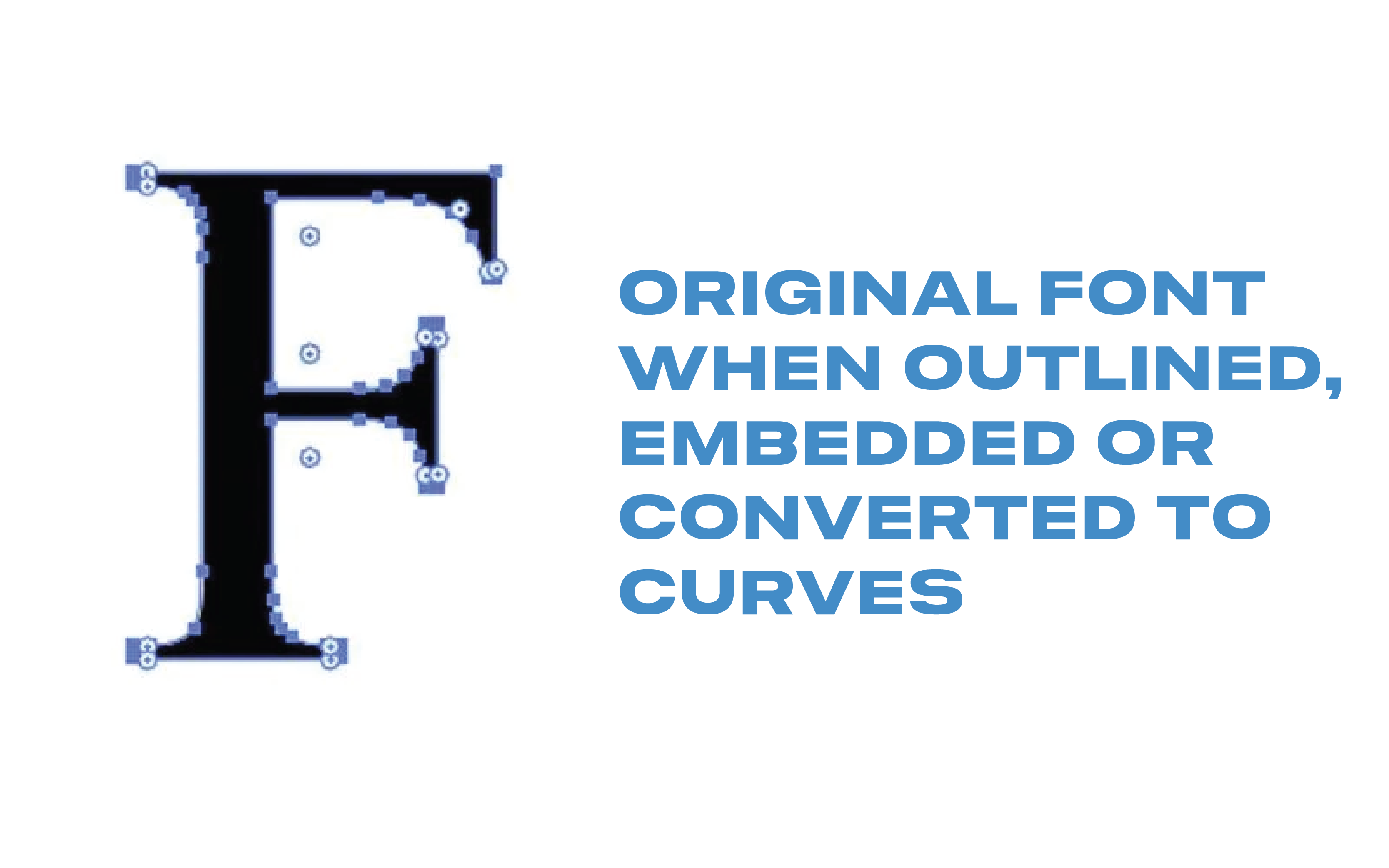
To avoid font issues, outline all text in your design files. This makes the text into shapes, so it won't change or get skewed if your printer doesn't have your font. Also, make sure all images are embedded, so nothing goes missing when you send the file.
5. Watch Out for Bleed and Safe Zones
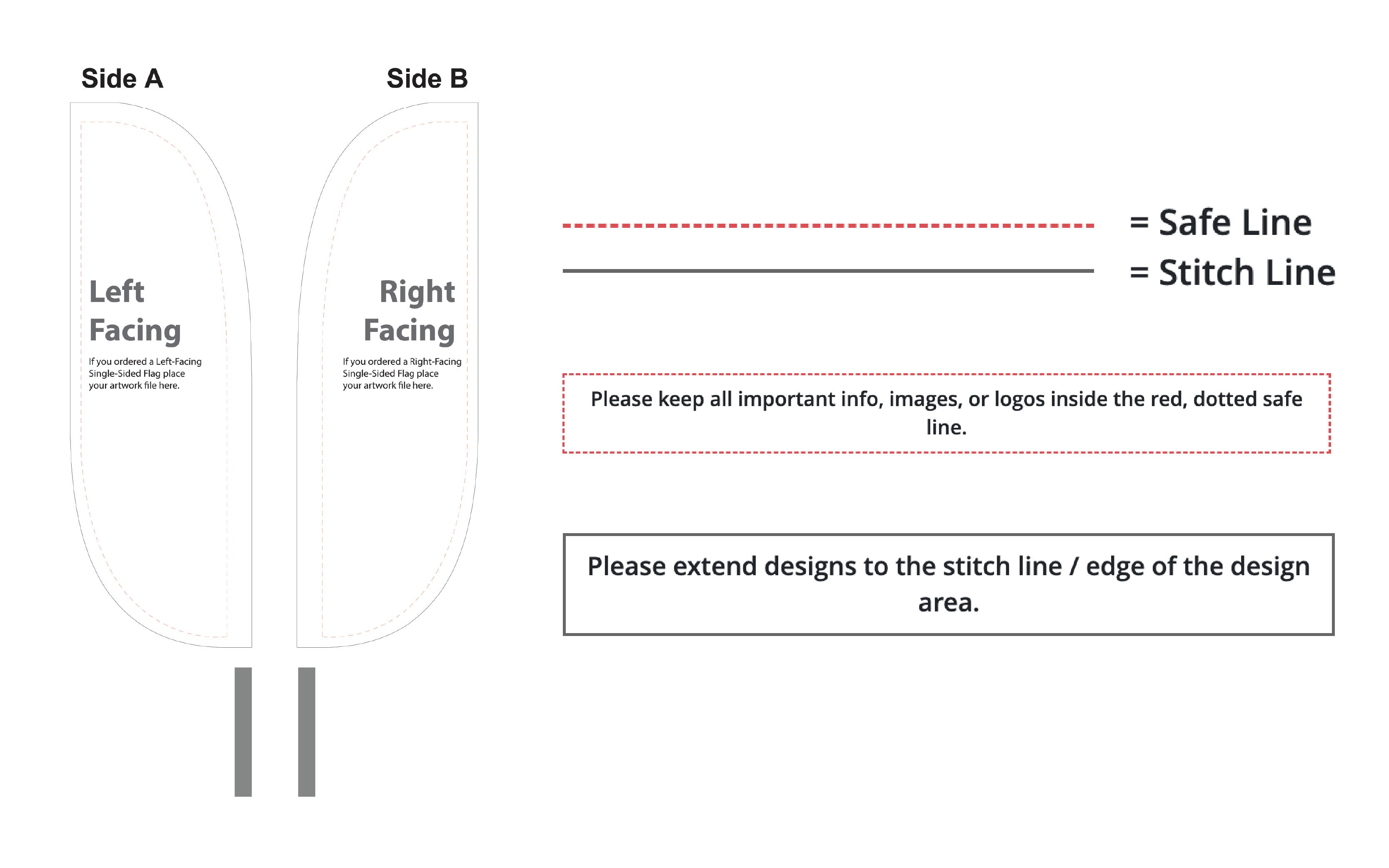
For custom flags, banners, and displays, make sure your design has proper bleed (extra space around the edges) and that important elements stay within the safe zone. This prevents logos, text, or graphics from getting cut off during printing.
6. Get a Free Artwork File Review from Lush Banners
Not sure if your files are print-ready? We’re happy to help! Lush Banners offers a FREE Artwork File Review before you place your order. We’ll even fix small errors that could affect print quality, at no charge (up to 1 hour of design time).
7. Hire a Professional Designer (Or Let Us Help!)
For complex projects, hiring a pro can save time and frustration. Lush Banners offers affordable flat-rate design services. Learn more about our design services here.
Do you need more information before you place your order with us? Check out our complete guide: From Branding to Printing: 5 Steps for Top-Tier Art Files